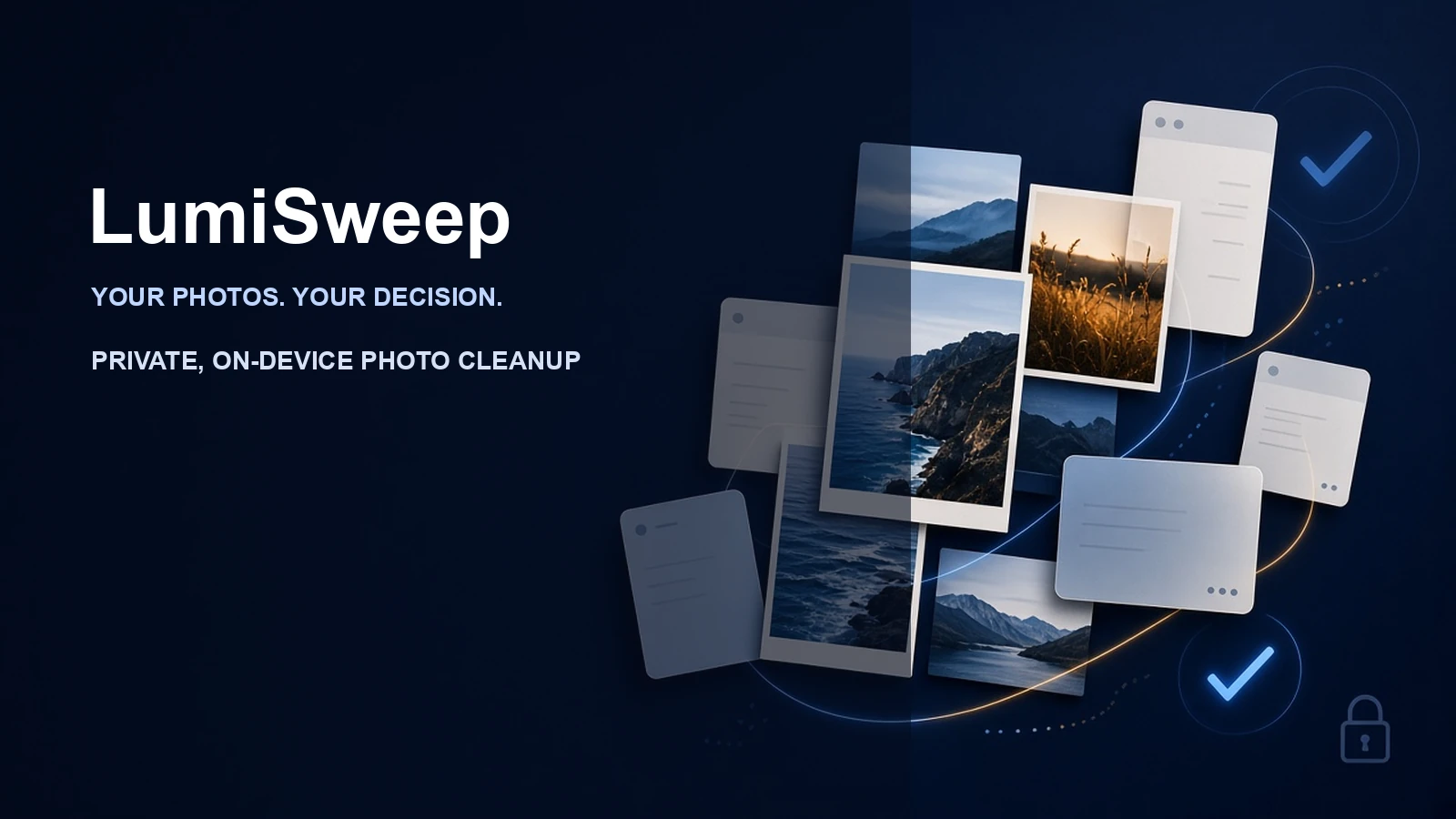
Welcome to another product story from Efficient Lab. Today, we’re talking about LumiSweep, an on-device photo cleanup tool currently in development for iPhone and iPad.
Picture a moment we’ve all experienced: your device alerts you that storage is running low, so you open your Photos app intending to delete some files. Right at the top, you see a dozen rapid-fire burst shots taken a few days ago. Scroll down, and there are order confirmations, chat screenshots, map snippets, QR codes, and a few bulky videos taking up gigabytes. You know there’s plenty in there that could easily go, but you instantly run into the hardest question: where do you actually begin?
That hesitation right before you start is exactly what LumiSweep is designed to solve.
Photo Cleanup Is Hard Because of the Decisions, Not the Taps
Deleting a photo is technically simple. The real drain on your time and energy is comparing: out of eight photos of the exact same moment, which one is genuinely sharper? In which shot is your child’s smile truly spontaneous? Is this screenshot an errand that’s already done, or an essential receipt you’ll need months from now?
Technology can measure sharpness, exposure, and visual similarity, but it can never judge what a memory means to you. A slightly blurred snapshot might capture an irreplaceable moment you can never recreate; an ordinary, cluttered screenshot might be holding an address you rely on.
That’s why LumiSweep’s product philosophy is never to make the call on what your “best photo” is. Its goal is simply to eliminate the friction of searching and comparing. The app does the legwork of finding clues, grouping similar items together, and explaining why an image is recommended. You stay in full control, deciding what to keep and what to queue for cleanup.
Grouping Similar Photos Together So You Can Decide at Your Own Pace
Flipping through bursts and repeatedly saved photos one by one is exhausting. LumiSweep gathers photos with similar compositions and close capture timestamps into groups, providing recommendations based on technical quality.
These recommendations are merely a starting point. You can zoom in to inspect sharpness, exposure, and facial expressions, or compare fine details side by side within the group. Which one you love best is always up to you. You can adjust any recommendation, undo any choice, and no swipe or gesture will ever delete a photo without your explicit consent.
For duplicate photos, the app distinguishes between exact binary duplicates and visual copies created by exporting, saving, or compressing. Instead of hunting through tens of thousands of pictures for the same image, you simply review the suggested keeper alongside the other copies in the group.
Screenshots Deserve Their Own Way of Being Organized
Screenshots are completely different from everyday photos. They rarely represent memories; they’re usually the digital traces of everyday tasks—a login prompt, a payment receipt, a conversation snippet, a transit ticket, or directions on a map.
LumiSweep analyzes visual cues and text on-device to categorize screenshots into chats, shopping and payments, web reading, travel tickets, maps, QR codes, and code snippets. You can also start by reviewing older screenshots older than 30 days, 90 days, or a year, or inspect potentially outdated verification codes, parcel tracking, and payment confirmations.
Sequential screenshots from chat logs or long web pages are automatically gathered as related screenshots. If something cannot be categorized with high confidence, it simply goes into “Other”—we never force a label just to look clever.
All of these categories serve only as helpful clues. Whether a verification code is still useful or a receipt needs saving is a judgment call that remains entirely yours.
From Quality Checks to Large Files: Start with What’s Easiest to Verify
Beyond similar shots and screenshots, LumiSweep brings together photos that may be blurry, have closed eyes, or suffer from severe over- or underexposure. These quality checks describe purely technical issues—they never evaluate personal appearance or judge whether someone’s expression looks good.
If your primary concern is reclaiming disk space, you can filter by file size to review your largest videos and photos first. You preview them, then decide whether to add them to your cleanup queue. Starting from these clear, high-impact categories makes finishing a quick cleanup session far easier than aimlessly scrolling through your entire camera roll.
Everything you select is gathered into a cleanup queue, showing the exact number of items and the estimated space you’ll free up. You can review everything, remove any mistaken selections, and proceed only when you’re completely satisfied.
Photos Staying on Your Device Is the Core Boundary of the Whole Experience
Photos are deeply personal data. LumiSweep performs all similarity analysis, text recognition, quality inspection, and categorization entirely on your local device. There is no account needed, no photos, thumbnails, or analysis results are ever uploaded, and no advertising trackers or behavioral analytics are included.
Even when offline, the core analysis and review features work seamlessly. Analysis results are stored locally, so subsequent scans only process new, modified, or deleted items. Whenever you wish, you can clear the analysis cache in Settings and re-analyze your library without ever affecting your original photos.
In-app diagnostic information is also kept strictly on-device. It leaves your phone only if you explicitly choose to export and share it through the system share sheet. Pro purchases and restorations are handled securely by the App Store; the app never touches your complete payment card details.
Experience the Value for Free, with a Final Confirmation Before Deleting
LumiSweep uses a “Free to scan, Pro to clean” model. You can scan your authorized photo library, inspect all results, compare photos, adjust your choices, and build your cleanup queue completely free. Pro is only required when you’re ready to execute the cleanup, and it is offered as a one-time purchase. Final pricing will be shown on the App Store when the app officially launches.
When you tap to clean up, the app displays a clear summary of the selected item count, file size, and recovery details. After that, a native system Photos confirmation dialog is required before any selected items are moved to the system “Recently Deleted” album. If you ever need to recover something, you can easily restore it following standard Photos app rules.
This is the cleanup experience LumiSweep aims to provide: letting technology handle the tedious work of finding, grouping, and comparing, while leaving the personal meaning and final decisions firmly in your hands.
LumiSweep is currently under active development. You can explore the full feature set and privacy principles on our product page. Thank you for listening, and we’ll catch you in the next episode.