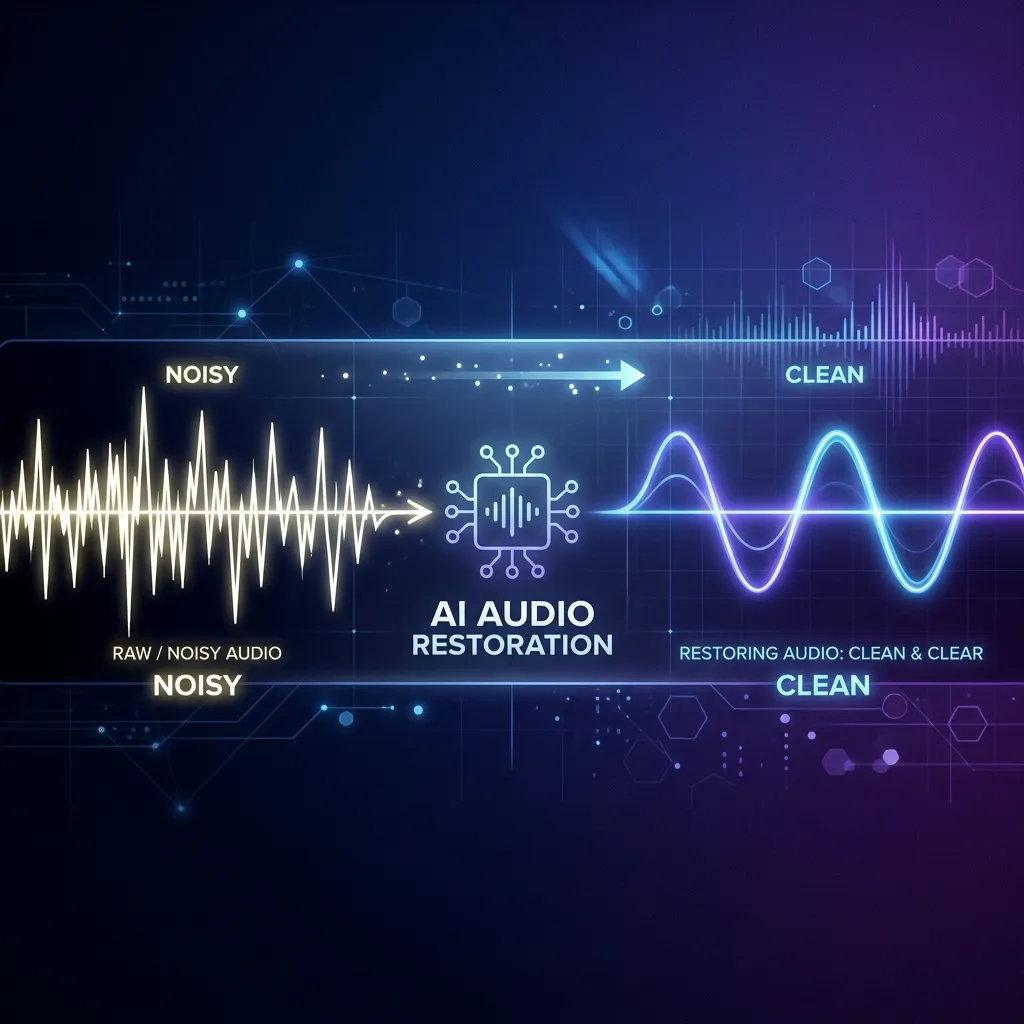
The “Recording Disasters” We All Face
Whether you are a podcaster recording outdoors, a professional transcribing lecture and meeting notes, or an audio engineer rescuing an old demo track, we have all encountered that frustrating moment:
“This audio has too much wind noise, heavy room reverb, and the vocals are clipping.”
Traditional audio noise reduction tools often force you to make painful compromises:
- Muffled Vocals: Reducing noise often cuts vocal frequencies, making the speaker sound like they are talking underwater.
- Helpless with Reverb & Clipping: Standard noise gates and filters only handle static background hum, leaving room echoes and clipping distortion completely untouched.
- Cloud Queues & Privacy Risks: Uploading private meetings or unreleased demo tracks to online tools is slow, queue-ridden, and risky.
To change this, we brought advanced deep learning speech reconstruction straight to your desktop.
State-of-the-Art Neural Networks for Spectral Reconstruction
We are extremely excited to announce that PureRestore (Professional Audio Restoration Studio), the next-generation desktop audio restoration app by EfficientLab, is launching this June!
Unlike traditional filters, PureRestore utilizes advanced deep learning networks to intelligently predict and rebuild missing or damaged spectral details:
- ⚡ Fast Restore: Employs lightweight denoising and basic band correction to eliminate background hiss and electrical hum in milliseconds. Best for quick meeting note cleanup and large batch operations.
- ⚖️ Balanced Restore: Uses a medium-sized neural network for multi-band noise suppression, room echo reduction, and vocal clarity compensation. It strikes a perfect balance between processing time and audio quality.
- 🧠 Deep Restore: Deploys a high-fidelity deep neural network to rebuild full-spectrum details, tackling heavy wind noise, click artifacts, and severe clipping distortion.
💡 The Perfect Duo: Seamless Integration with PureRefine
To achieve broadcast-quality sound, PureRestore integrates seamlessly with our flagship audio enhancer, PureRefine, to establish a professional, end-to-end voice enhancement pipeline:
🔄 Restore First, Refine Next
- Step 1: PureRestore (Restore)
Clean up background noise, harsh room echo, and digital clipping first to create a clean, healthy canvas for your audio. - Step 2: PureRefine (Refine)
Import the clean output into PureRefine to add warmth, presence, and fullness, giving your vocals that premium, studio-grade polish.
By healing the damage first and polishing the tone next, this workflow elevates even the roughest recordings into crystal-clear masterpieces.
🔒 100% Offline Processing with GUI & CLI
PureRestore inherits EfficientLab’s core philosophy of efficiency and privacy:
- Intuitive GUI: Drag and drop files or folders for instant batch processing with beautiful, responsive progress tracking.
- Developer-Friendly CLI: Copy your GUI configurations as CLI commands in a single click, making it effortless to integrate restoration into your automation scripts.
- Privacy First: All neural network processing runs entirely locally on your CPU or GPU. No uploads, no network dependency, and absolute privacy.
📅 Coming This June to macOS & Windows
PureRestore has completed all core development and tuning stages. We are putting the final touches on the user experience and will launch on the Mac App Store and Microsoft Store this June.
Get ready to rescue your audio. We will see you in June!
EfficientLab Team
June 2026